¶ What is going on?
One of MGB's elements of compliance, for computers accessing the MGB network, is enrollment in a mobile device management (MDM) solution. They have historically used Jamf, which the enterprise branded PEAS, for macOS devices.
MGB recently decided to replace JAMF with a Microsoft product called Intune. We have to participate in the migration as JAMF will be retired at the end of the month.
Intune is not as feature-rich or customizable as JAMF. As such, we don't have the ability to manage devices as effectively.
¶ CrashPlan
The main area of concern for us is related to CrashPlan. There were mechanisms in JAMF that allowed us to ensure CrashPlan was functioning correctly. The same functionality doesn't exist in Intune. There may be ways to mitigate this issue but they have not been tested to this point.
CrashPlan should inform you if it detects a problem. However, this information is only available if you launch the application and login. It would be best if people started checking in with their CrashPlan app periodically. It will be the most reliable way to identify possible issues.
¶ Passwords
Your device password will expire every 365 days. This has the potential to be very problematic. Shared devices will have their passwords randomly expire and reset by whoever happens to walk up to them. Passwords are not synchronized across devices. You will have to manage what login currently works for which device.
The case was made that this policy is at odds with NIST guidance and will lead to insecure password management practices. No one seemed to care.
After enrollment you must immediately change your device's password. You may reuse your current password during this enrollment. However, a different password will be required next year. Intune doesn't give you much of an indication of this requirement. You can proceed with changing your password in a few ways:
- System Preferences - Manually change your password
- User Logout - You will be prompted to change your password at login
- Device Restart - You will be prompted to change your password at startup
¶ What do I need to do?
On Wednesday (10/15) at 12PM the entire department will be migrated over to Intune. This has the potential to cause disruptions with the usage of your macOS device.
There is an option to preemptively migrate yourself to Intune at a time of your choosing. The process differs slightly for corporate and personal devices. MGB has instructions for corporate devices in the link below. I've provided some similar instructions for personal devices.
¶ Personal Devices
Start here for early migration.
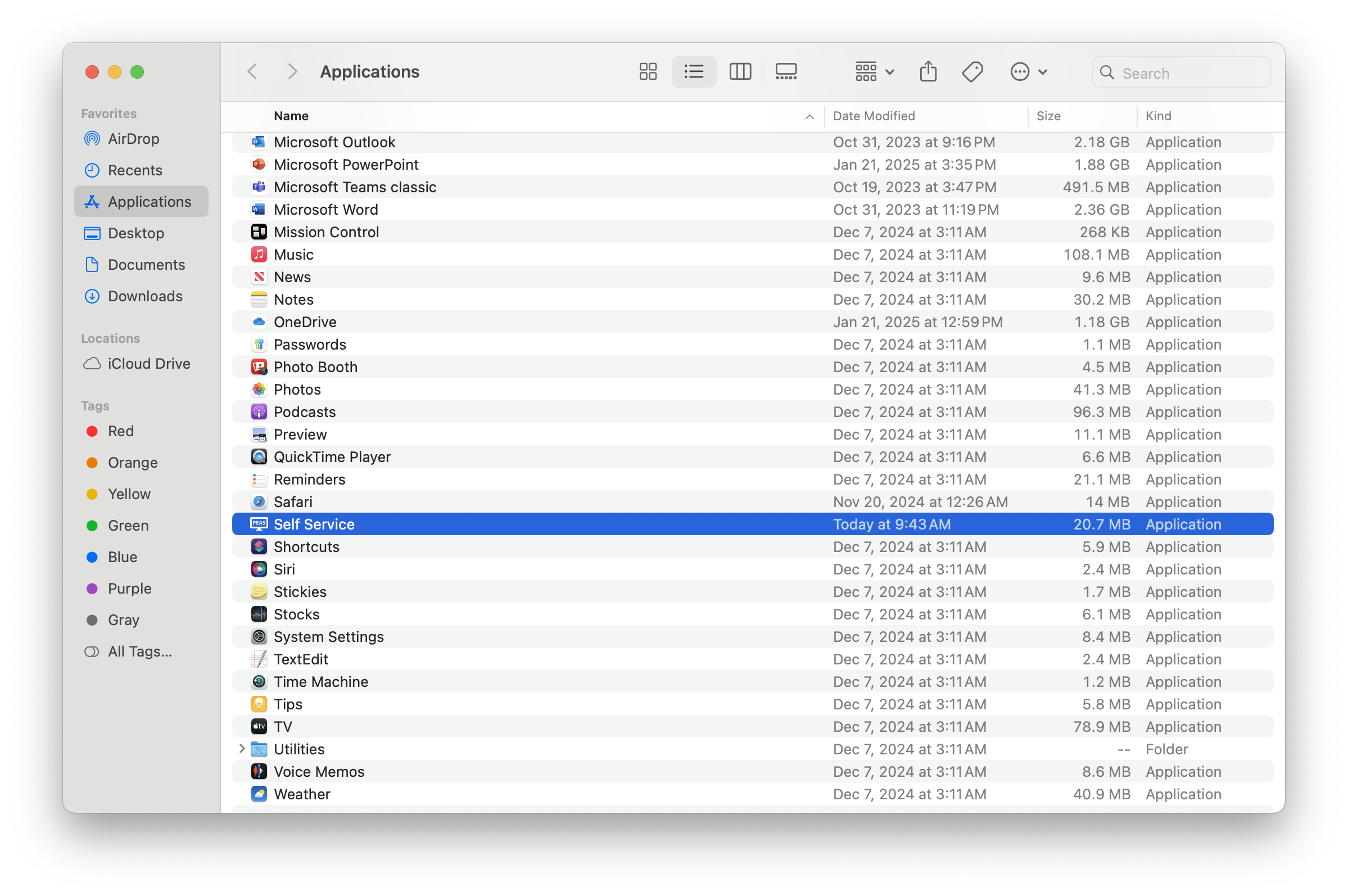
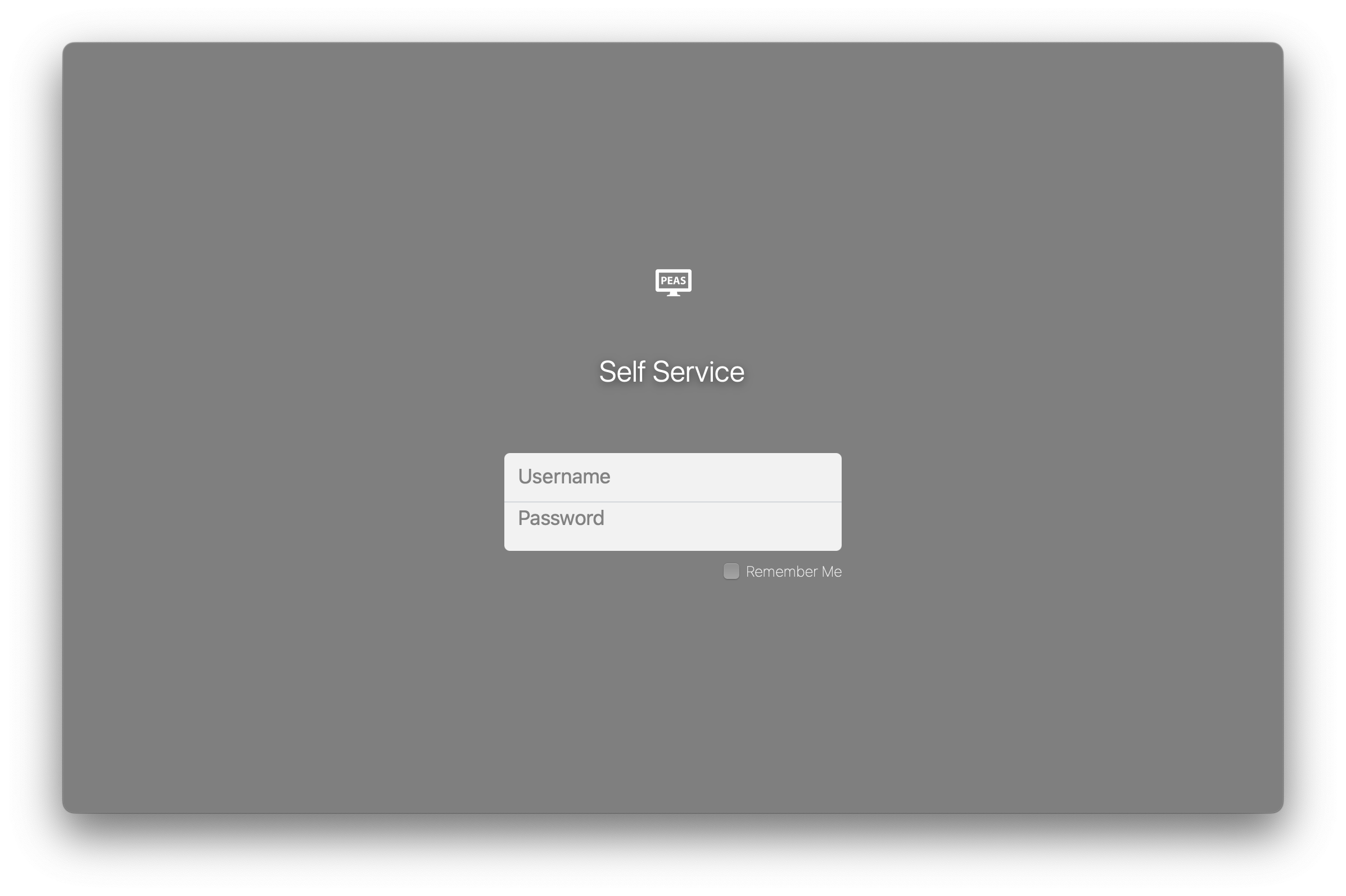
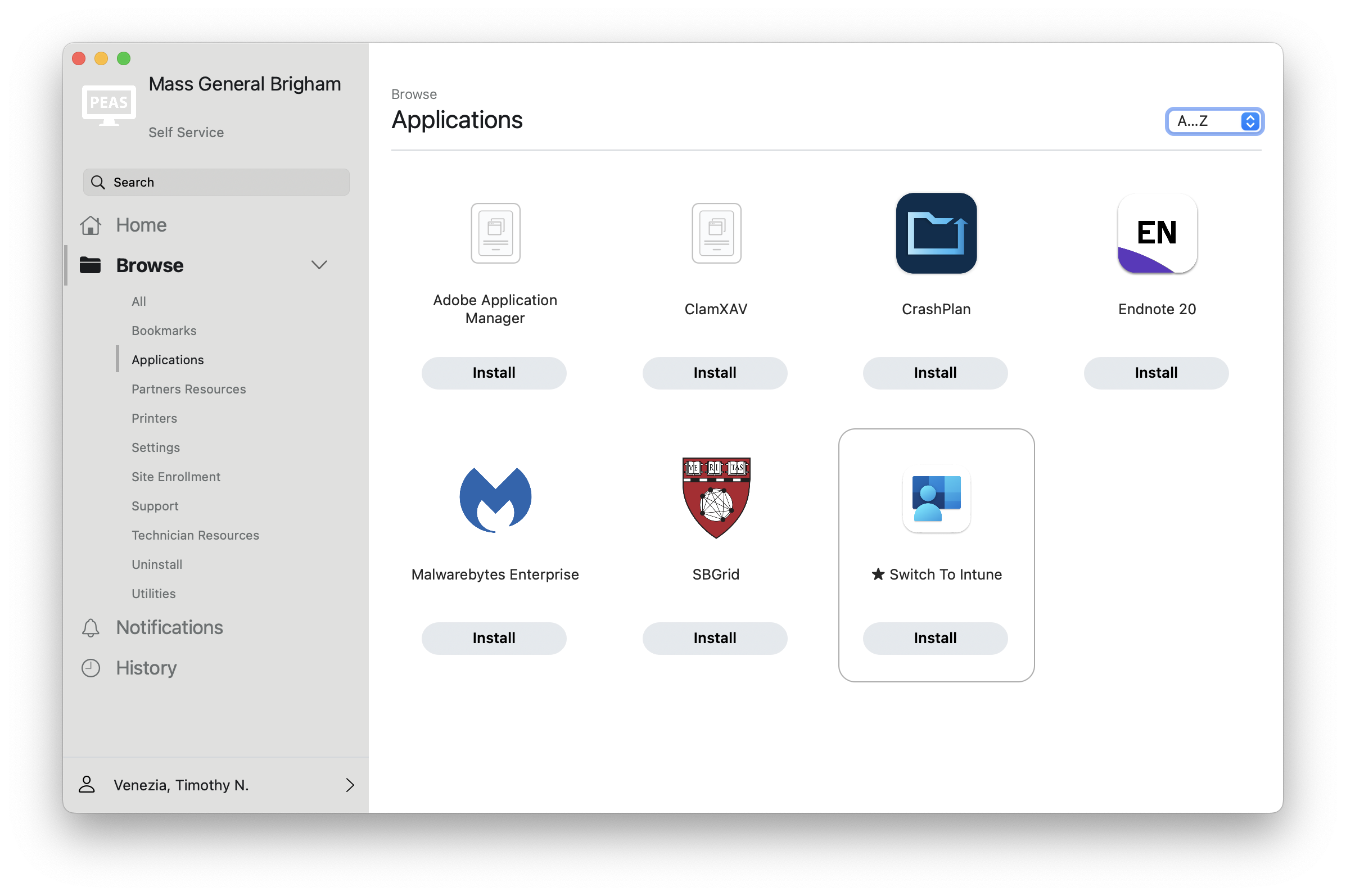
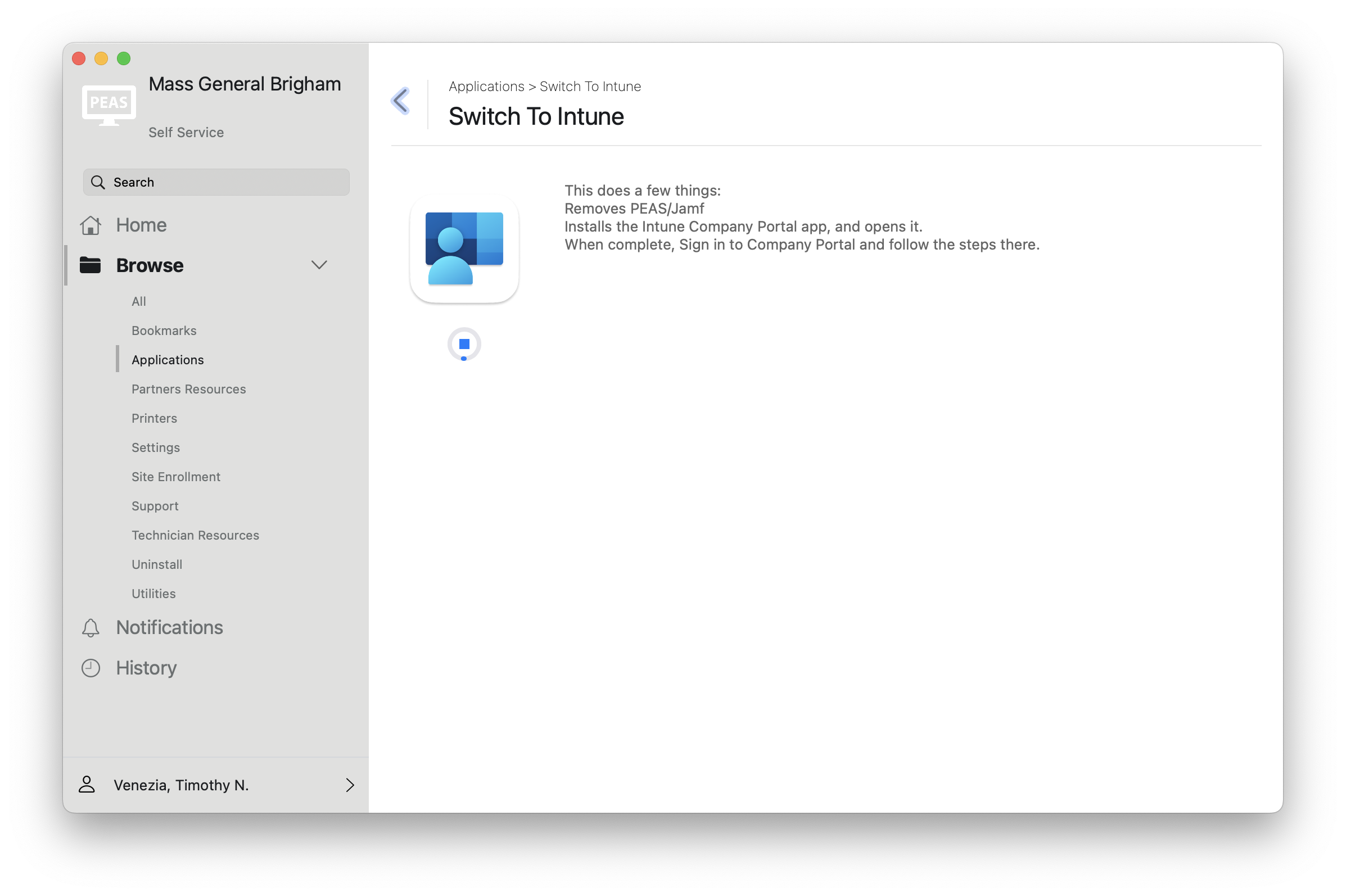
¶ FileVault Key
Start here for automatic migration
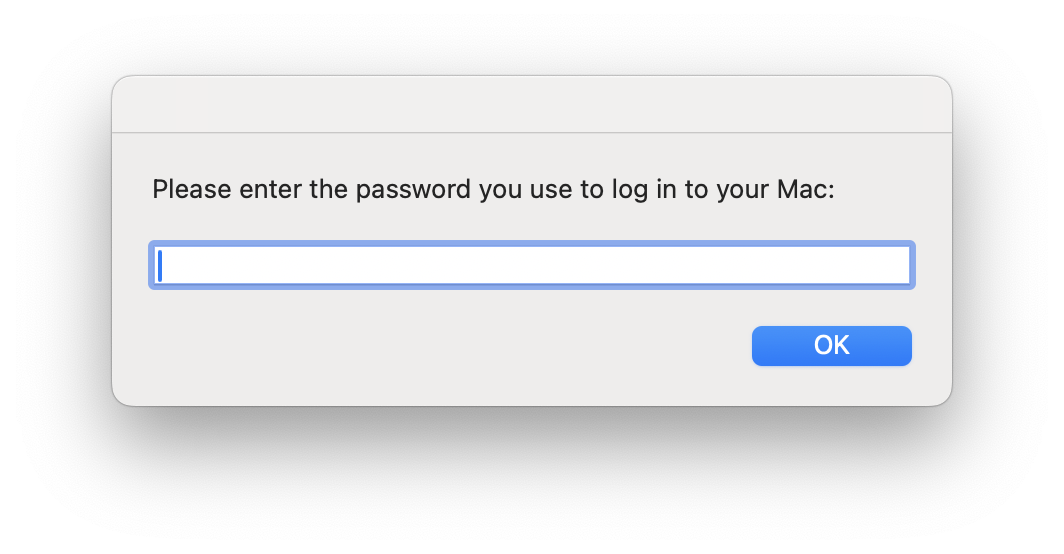
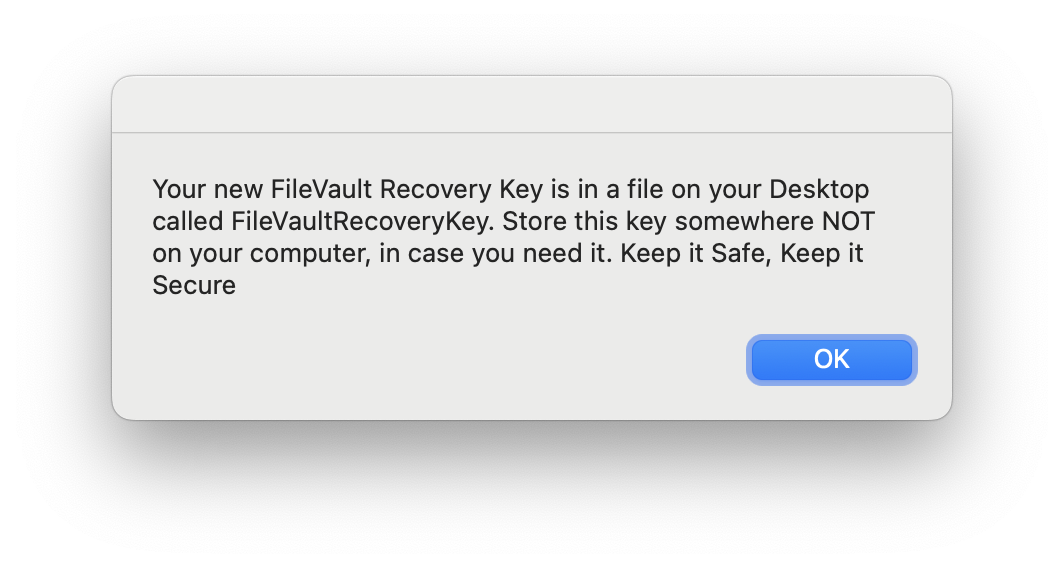
JAMF will be completely removed when this policy finishes. You'll also be prompted for your computer password to save a copy of your FileVault key to your desktop.
¶ Company Portal
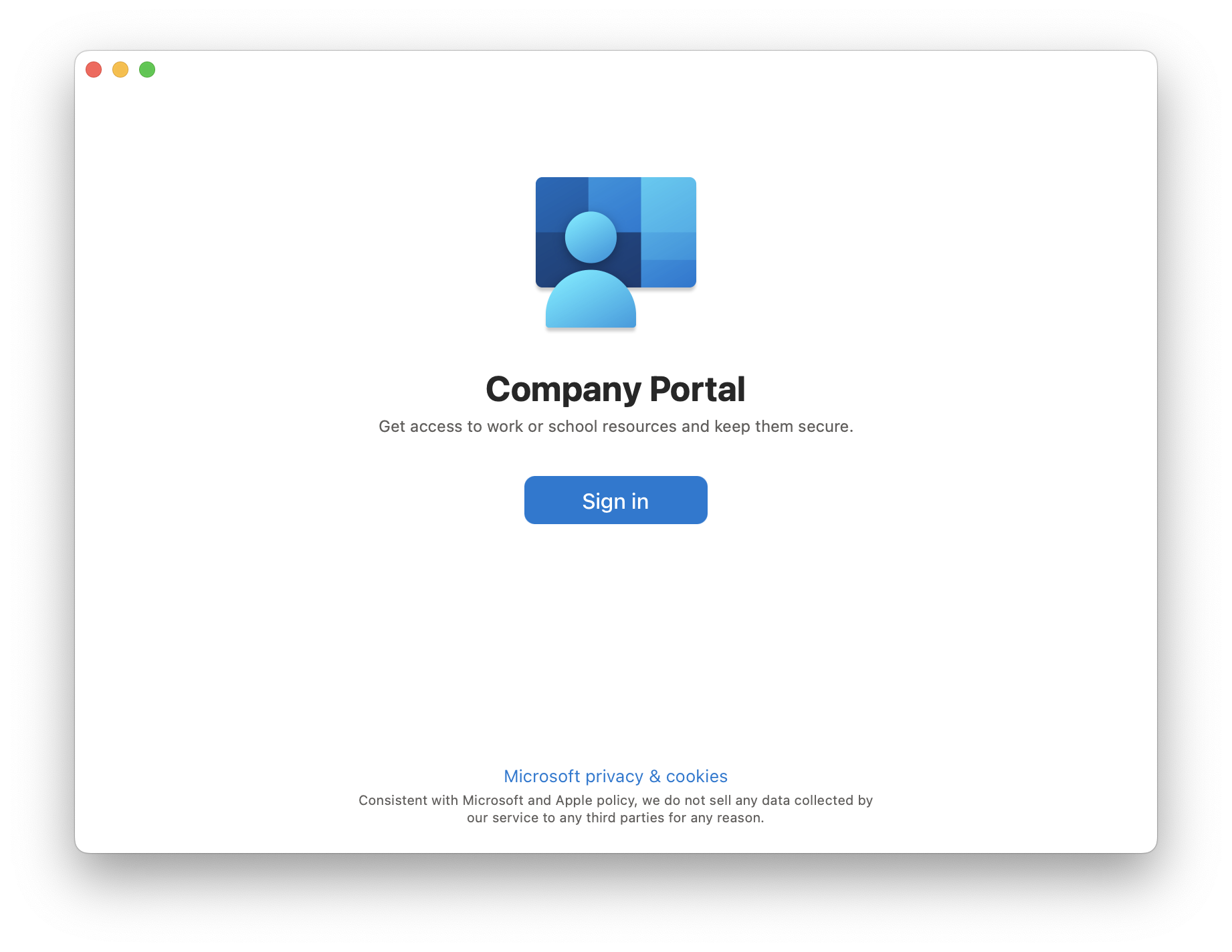
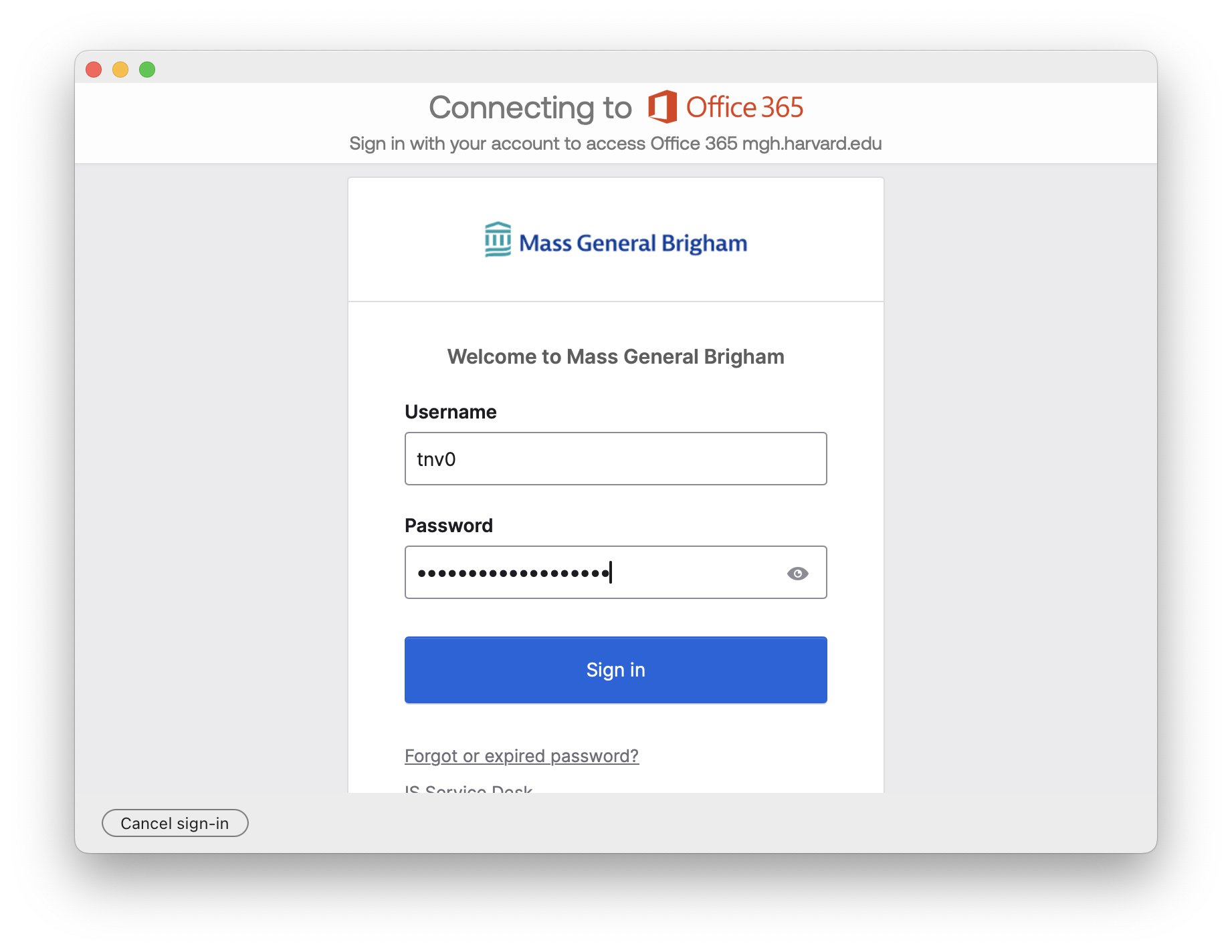
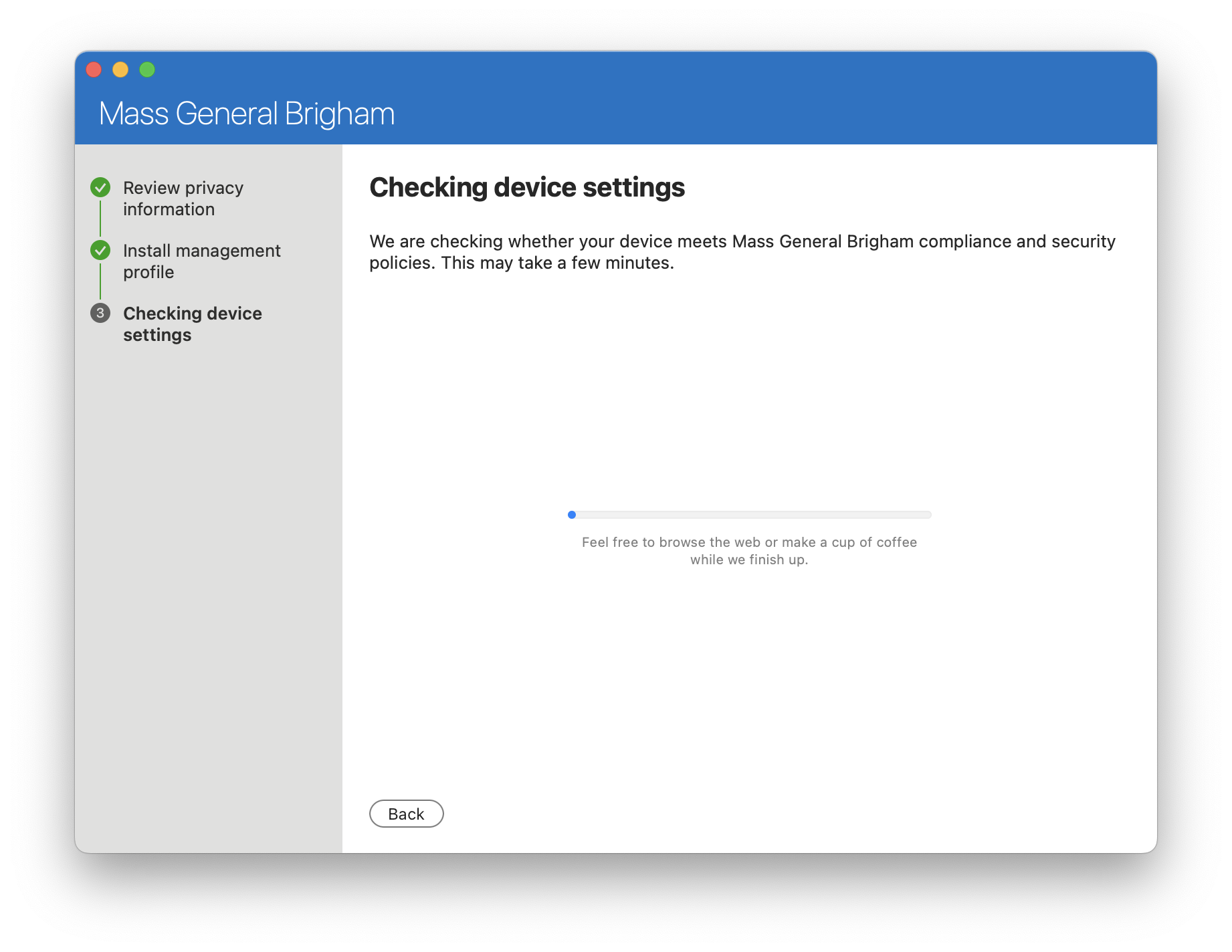
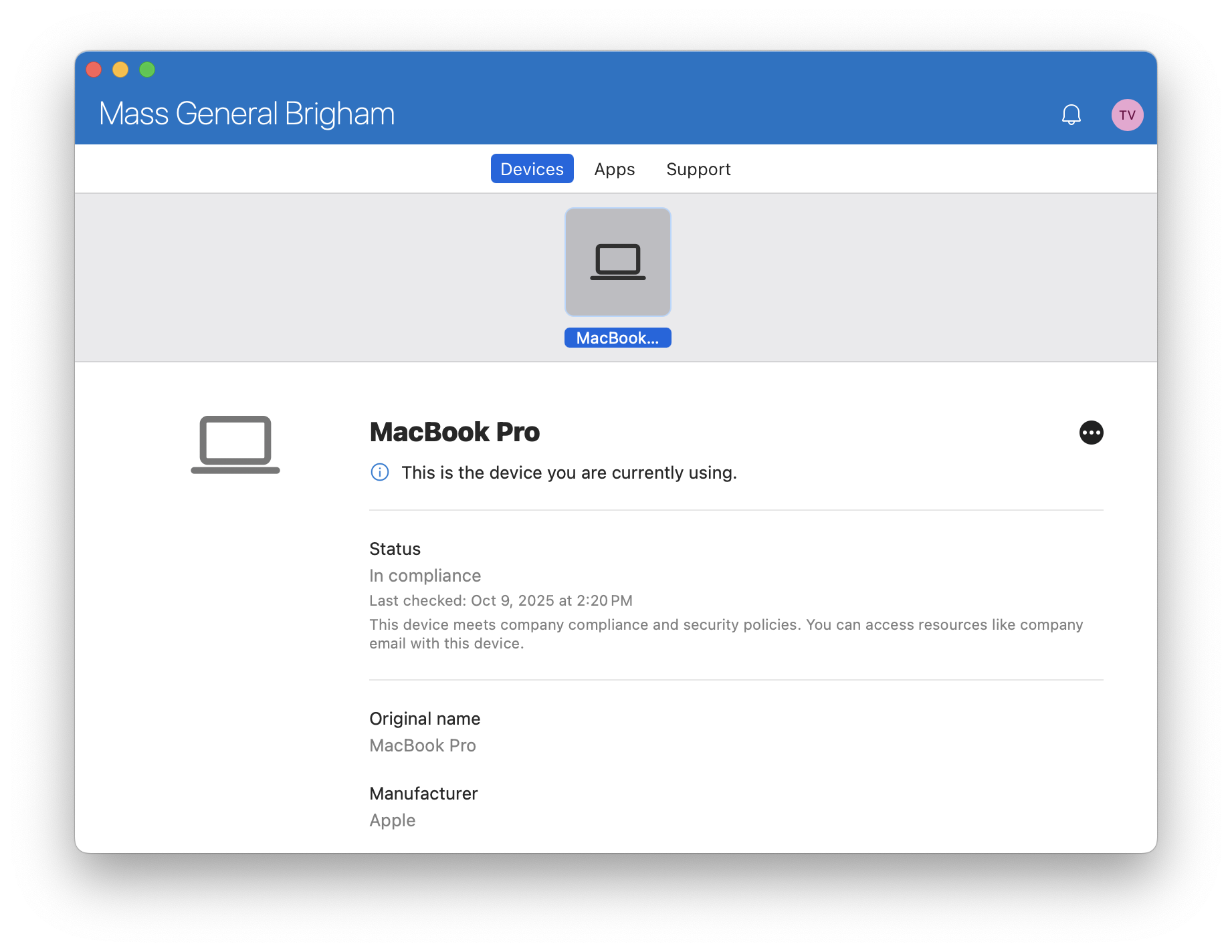
The Company Portal app is equivalent to the Self Service app. This is where you'll enroll your device into Intune. It should automatically launch for you.
After enrollment is complete you'll need to change your password as described above.

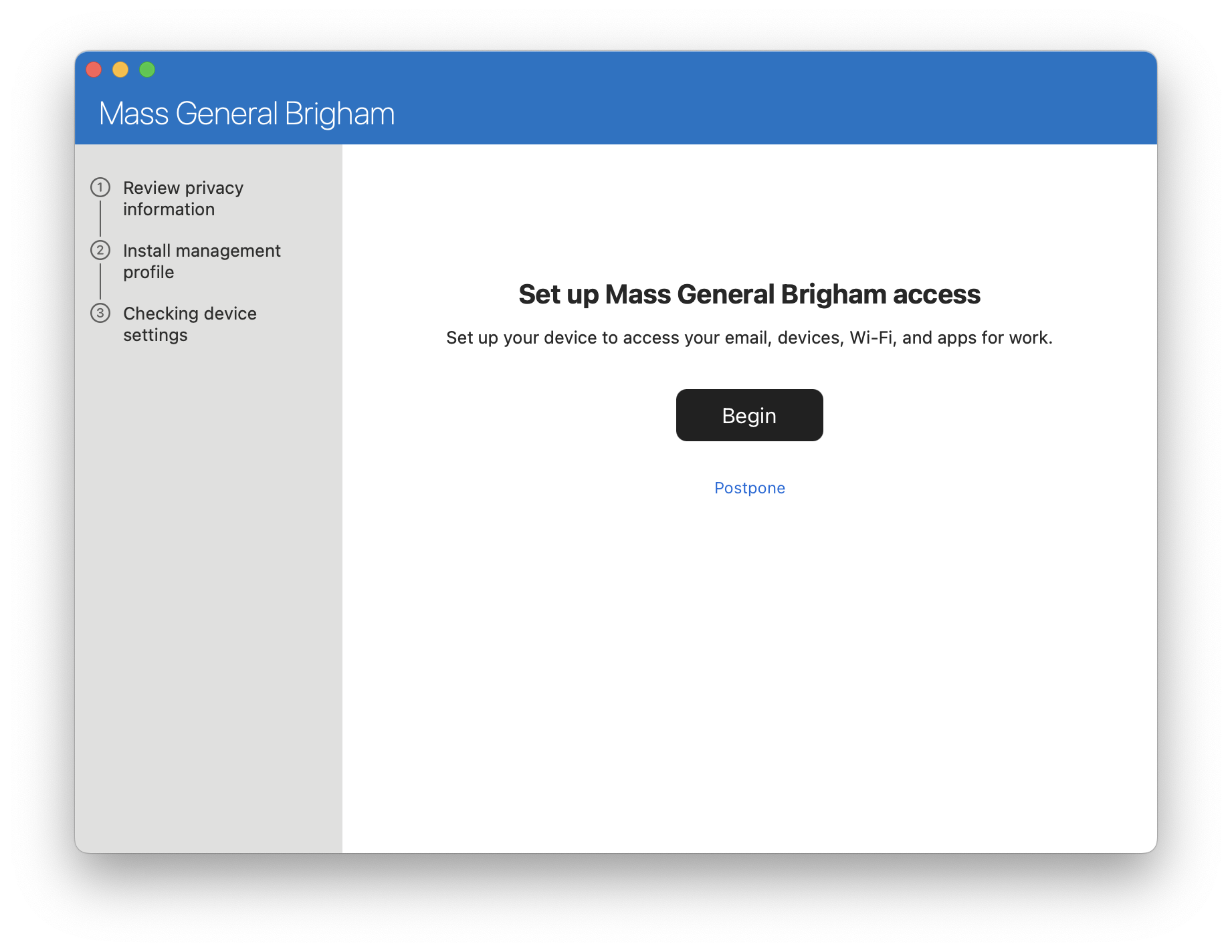
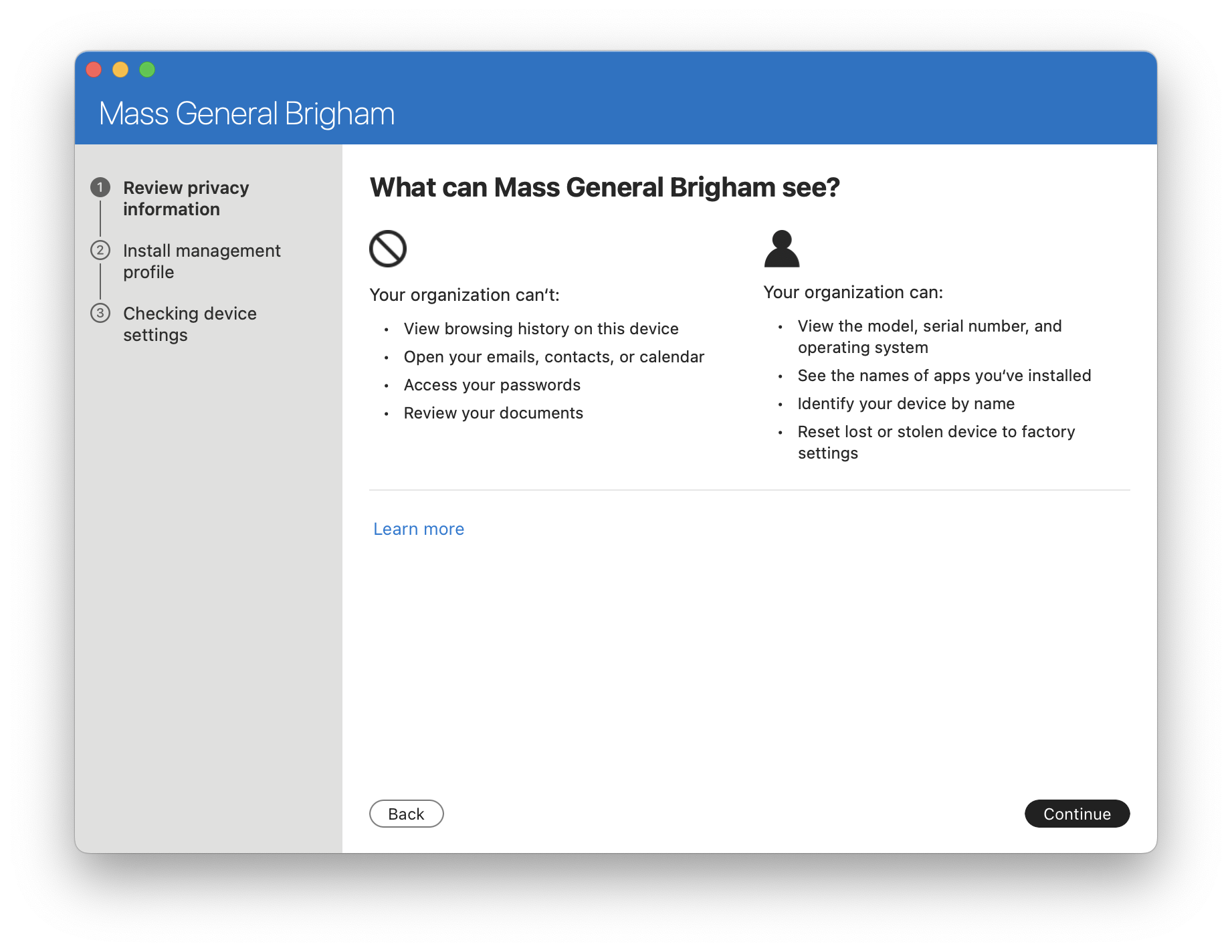
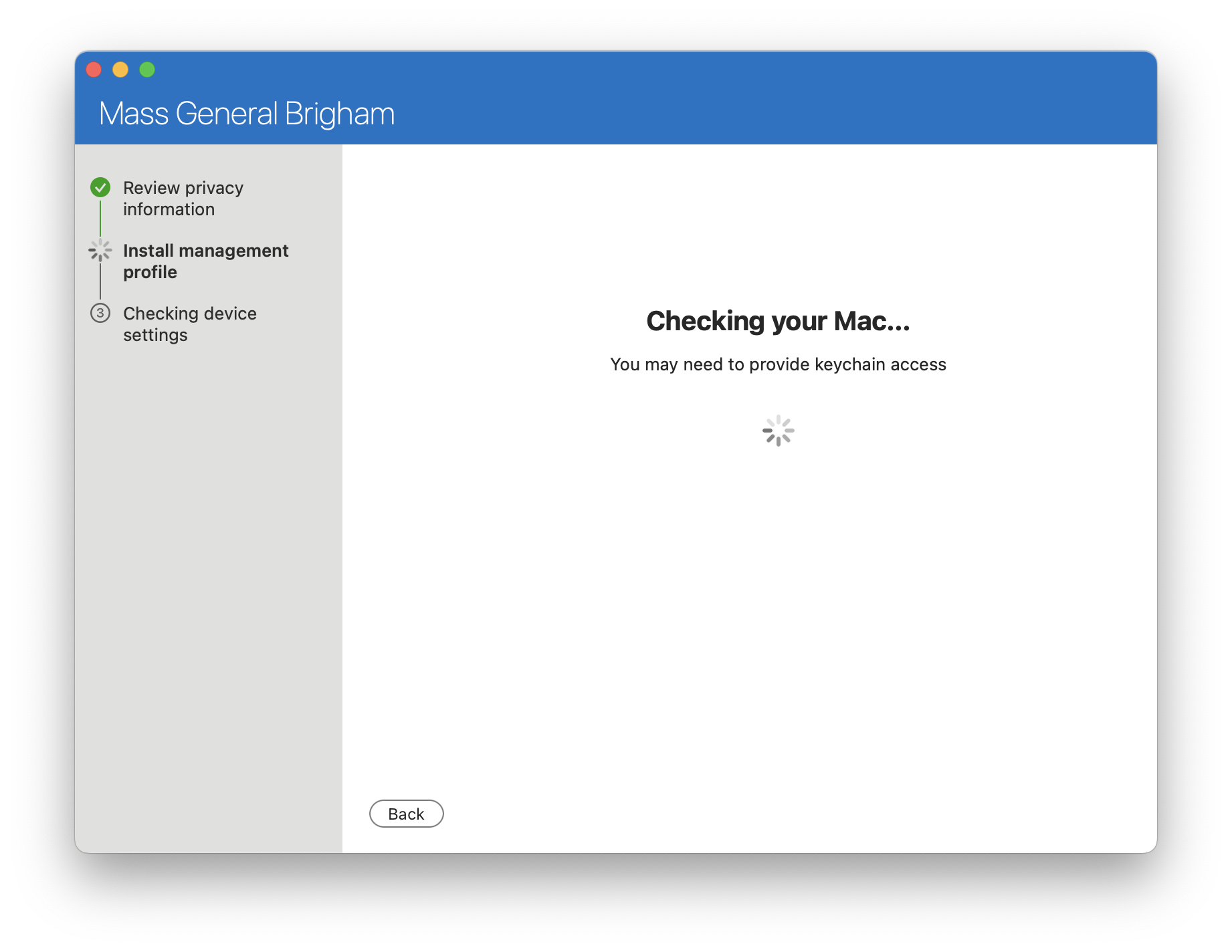

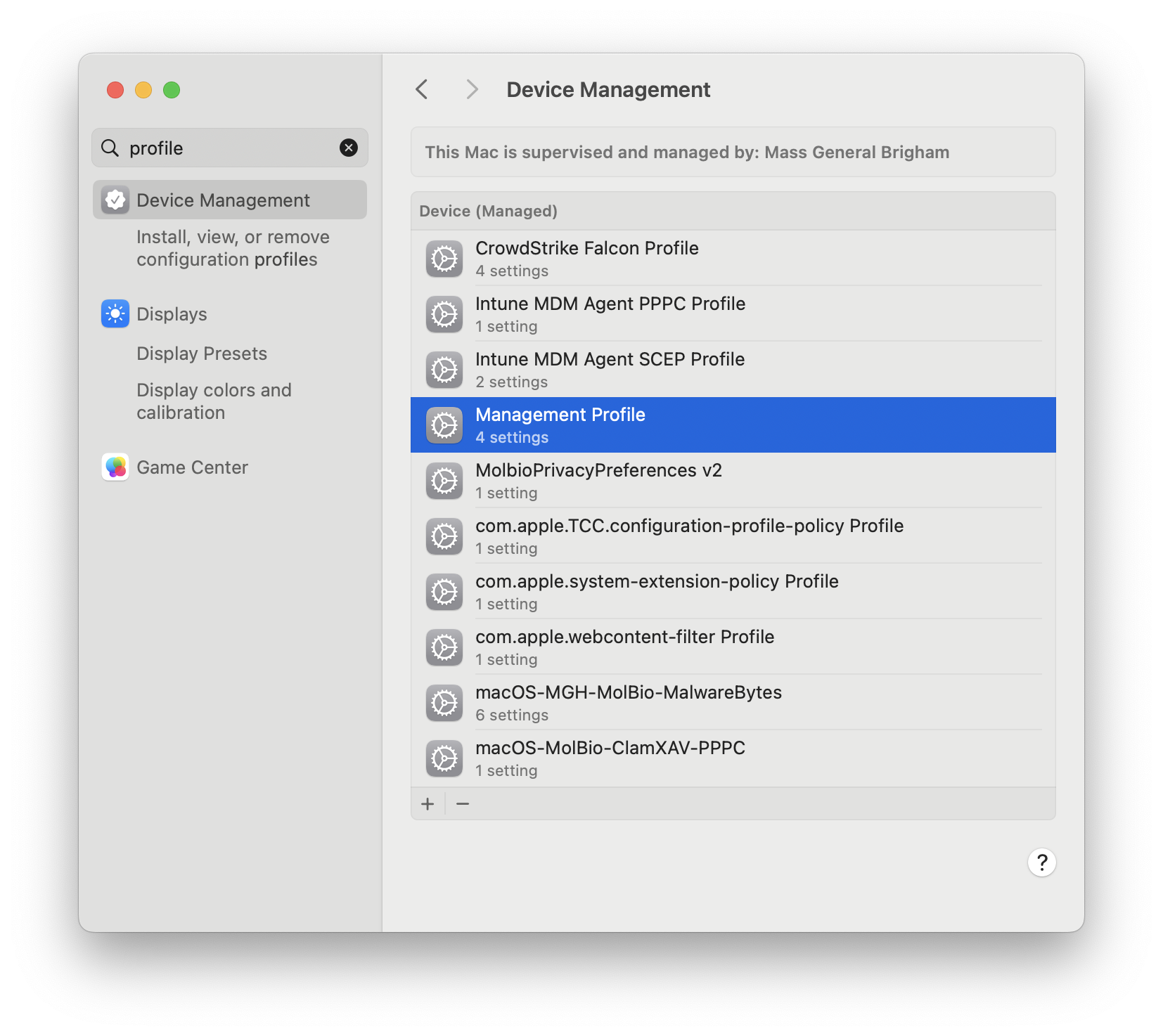
Navigate to System Preferences > General > Device Management. Double click on the downloaded profile.
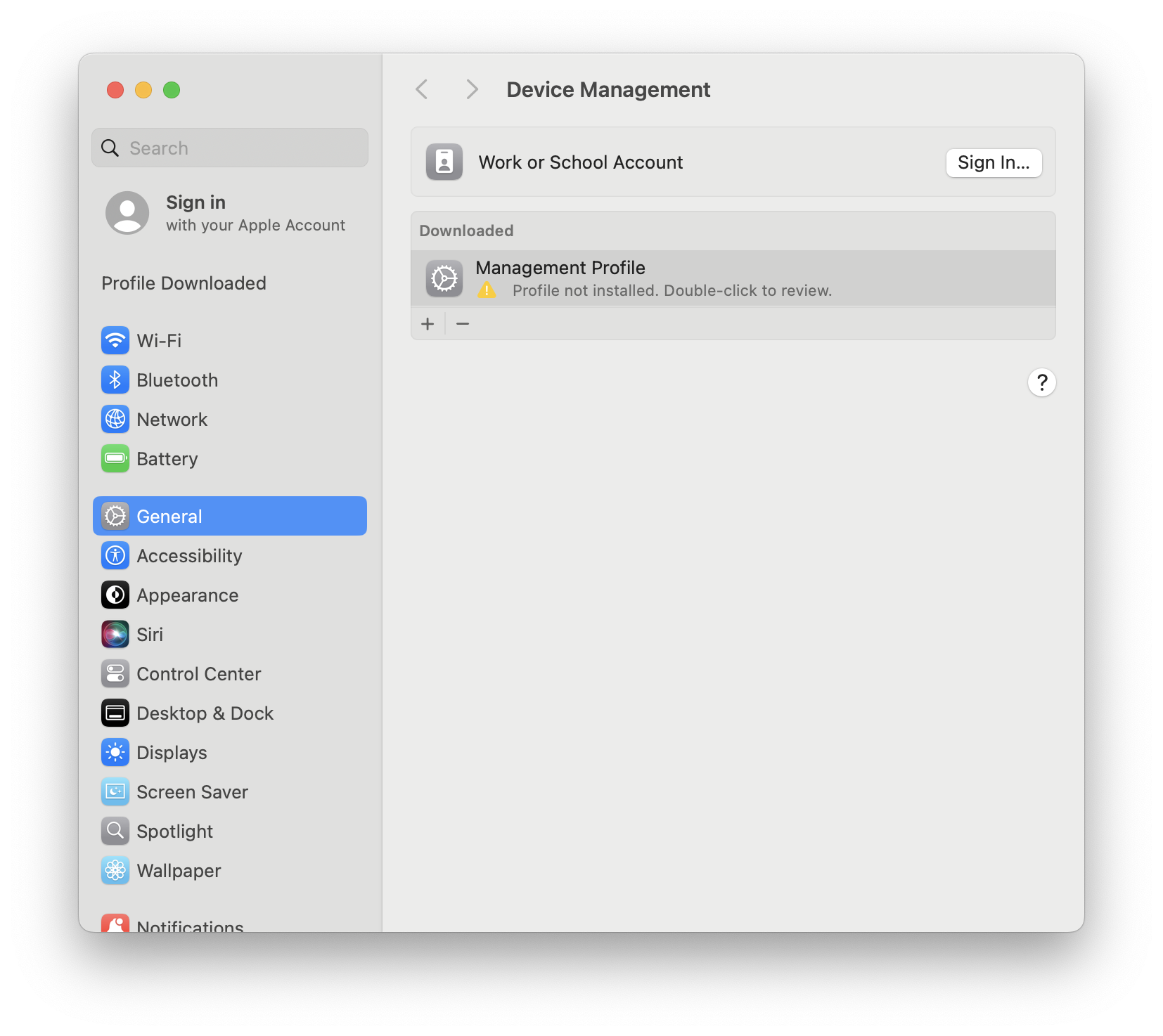
Install using your computer password.

¶ Why didn't it work?
MGB's MDM profile expired in JAMF at some point. There are roughly 100 devices that were impacted by this issue. Users with these devices may find that the policy in Self Service fails. Or that Wednesday rolls around and they are not switched.
There are some instructions for manually migrating a device with this issue.